tutorial / Sep 3, 2026
Keep Ollama’s API Inside a Docker Network
Run Ollama without publishing port 11434, prove an approved Docker client works, and confirm an unrelated container cannot resolve the service.
Outcome and design boundary
A local model service is easier to reason about when its API is available only to containers that need it. This tutorial builds a small Docker Compose project in which Ollama has no published host port. A deliberately approved client can reach the ollama service by name, while a second container on a different network cannot resolve that name. The goal is a narrow service boundary, not a claim that a Docker network replaces host hardening, access control, or review of every workload that can join a network.
Ollama’s current Docker guide documents the container image and its model volume. Docker’s networking guidance explains why a named, user-defined bridge is preferable to relying on the legacy default bridge for a scoped group of containers. The Compose reference explains that a service is discoverable by service name on a shared network. Those three facts are enough for this bounded pattern.
Prerequisites and limits
Before starting, collect these requirements:
- Docker Engine with the Compose plugin, plus permission to run
docker compose. - Enough disk space for a model and its local cache; model size varies by the selected model.
- An outbound path from the Ollama container for the initial model download.
- A trusted client container that is the only workload assigned to the model network.
This pattern works on one Docker host. A user-defined bridge is not a cross-host network, and it does not stop a host administrator from attaching another container to that network. Do not add ports: for Ollama unless a deliberate host, LAN, or reverse-proxy access design exists. The official Ollama Docker guide uses port publishing for a host-access example; this tutorial intentionally omits it. GPU access is optional and needs the runtime-specific configuration in that guide.
Step 1: create a scoped Compose file
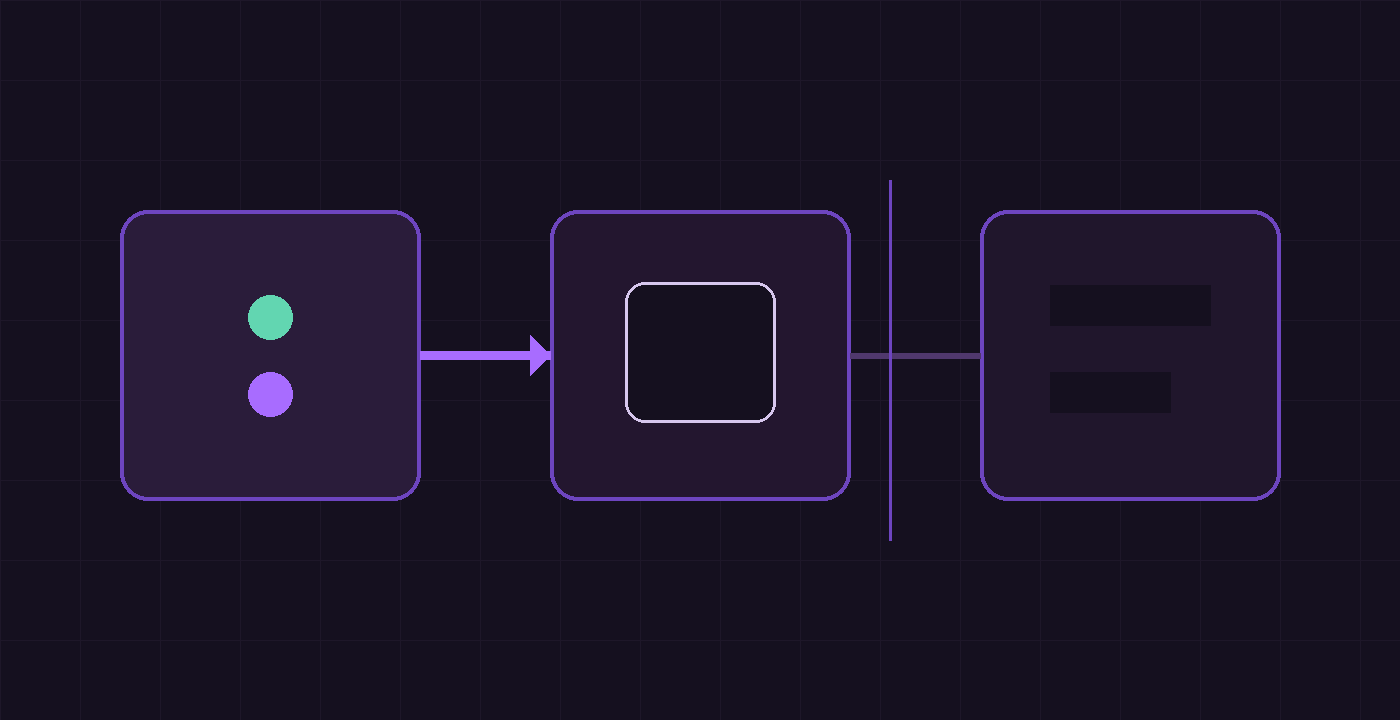
Create an empty directory, save the following as compose.yaml, and keep it separate from an existing application stack. The model-api network is shared only by the model service and the approved client. The tester container lives on test-only and provides a negative test.
services:
  ollama:
    image: ollama/ollama
    volumes:
      - ollama:/root/.ollama
    networks:
      - model-api

  client:
    image: alpine:3.21
    command: ["sh", "-c", "apk add --no-cache curl && sleep infinity"]
    networks:
      - model-api

  tester:
    image: alpine:3.21
    command: ["sh", "-c", "apk add --no-cache curl && sleep infinity"]
    networks:
      - test-only

volumes:
  ollama:

networks:
  model-api:
  test-only:
There is no ports: stanza under ollama. That means Compose does not publish TCP 11434 on the Docker host for this project. Avoid using network_mode: host, which would discard the service-name boundary created here.
Step 2: start the services and pull one model
Start the three containers, then load a small model inside the Ollama container. The model name is an example; select a model appropriate to the available memory and the intended task.
- Start the project with
docker compose up -d. - Confirm the three services are running with
docker compose ps. - Pull a model with
docker compose exec ollama ollama pull gemma3:1b. - List the local models with
docker compose exec ollama ollama list.
The named volume keeps model data when the containers are recreated. It also means a rollback that deletes the volume removes downloaded models, so treat that operation as data removal rather than routine cleanup.
Step 3: verify the allowed API path
The approved client shares model-api with Ollama. Compose service discovery therefore gives that client an ollama hostname without exposing the API to the host. Request the tags endpoint from inside the client container:
docker compose exec client curl -fsS http://ollama:11434/api/tagsExpected result: JSON containing the downloaded model in the models array. If the array is empty, repeat the model pull command and inspect docker compose logs ollama. A successful response demonstrates the intended container-to-container path, not merely that a process is running.
Step 4: verify the denied path and host boundary
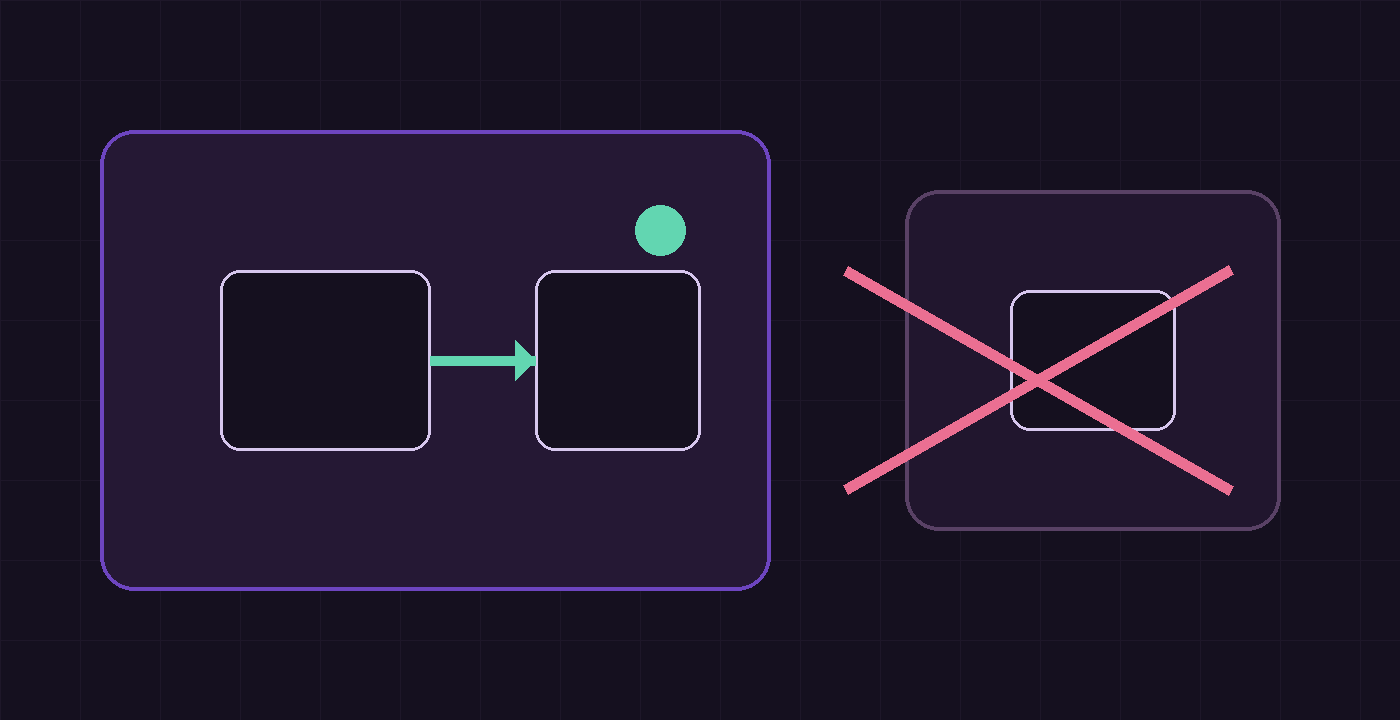
Run the same request from tester. That container does not share model-api, so Docker DNS should not resolve ollama for it:
docker compose exec tester curl --connect-timeout 3 --max-time 5 -fsS http://ollama:11434/api/tagsExpected result: a nonzero curl exit and a name-resolution failure. That failure is the useful result. Then inspect the rendered configuration for accidental publication:
docker compose config
docker compose ps
The rendered ollama service must have no ports section, and docker compose ps must not show a host mapping for 11434. A direct host request such as curl http://127.0.0.1:11434/api/tags should also fail for this project. If it succeeds, check for a different Ollama container or native process before treating it as a failure of this Compose file.
Verification checklist
Use both outcomes as the acceptance test:
- Allowed:
clientreturns JSON fromhttp://ollama:11434/api/tags. - Denied:
testercannot resolve or connect to that service name. - Denied: the Compose configuration contains no published 11434 mapping.
- Expected:
docker network inspect <project>_model-apilistsollamaandclient, but nottester.
Docker documents that containers on a shared user-defined bridge can communicate and receive automatic name resolution. The same documentation notes that unrelated containers should not be placed on a shared default bridge. The practical control is the network membership list, so review it whenever a new client is added.
Troubleshooting and rollback
If the approved client cannot resolve ollama, inspect both services with docker compose ps and confirm their networks entries in docker compose config. Recreate only the containers after a Compose edit with docker compose up -d --force-recreate; the named volume remains intact. If the model pull fails, check outbound DNS and network policy before changing the model-network boundary.
To remove the containers and project networks while retaining model data, run:
docker compose downTo remove the model cache as well, first confirm that no local model should be retained, then run docker compose down -v. Do not run that volume-removal command as a generic troubleshooting step.
Source links and next checks
Read the current Ollama Docker documentation before choosing GPU flags or model storage changes. Review Docker’s bridge network driver guidance for network behavior and the Compose networks reference before integrating this pattern into a larger stack. For a multi-host deployment, choose a documented network design instead of assuming a local bridge network extends across machines.
Verification ledger