Apps
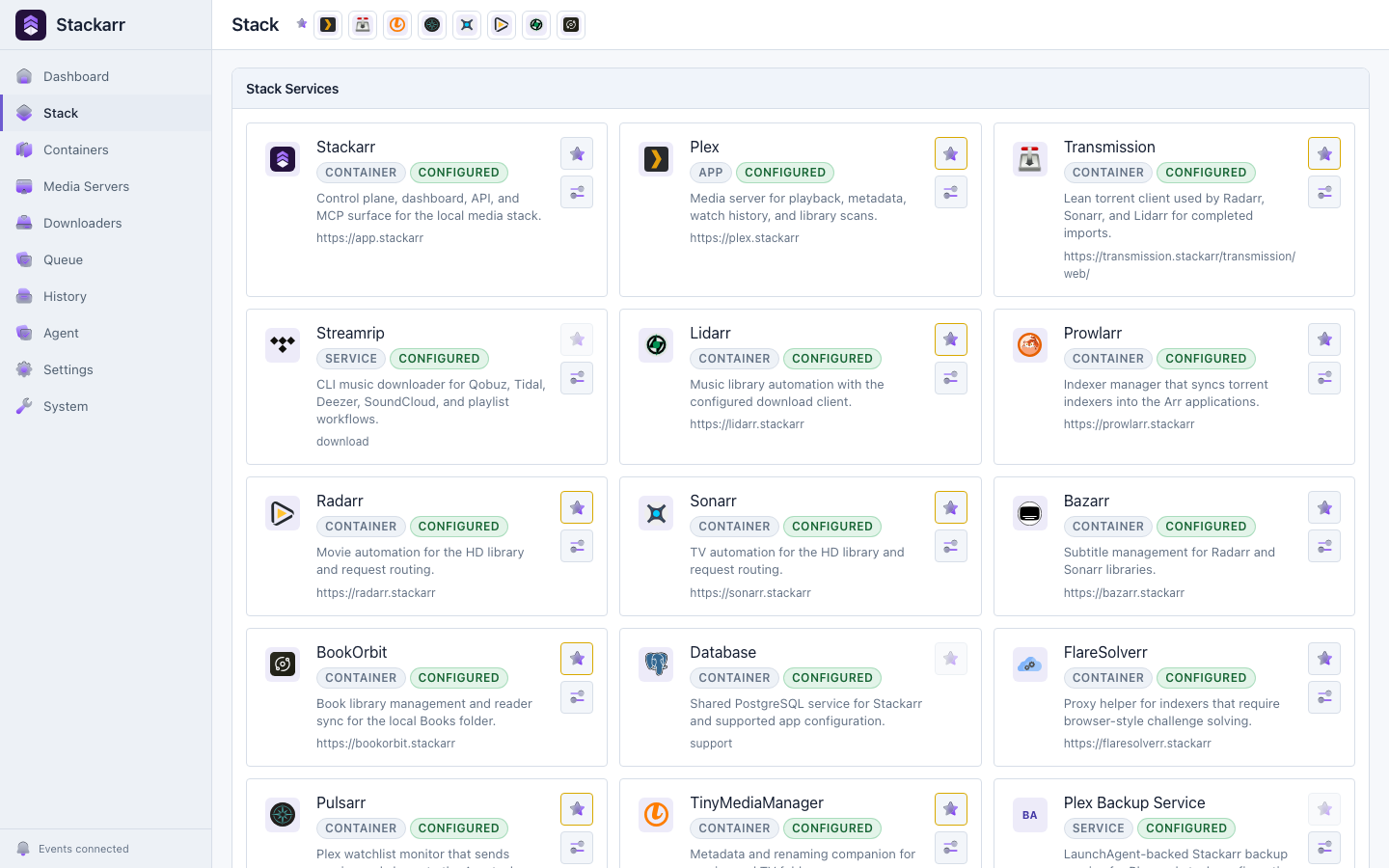
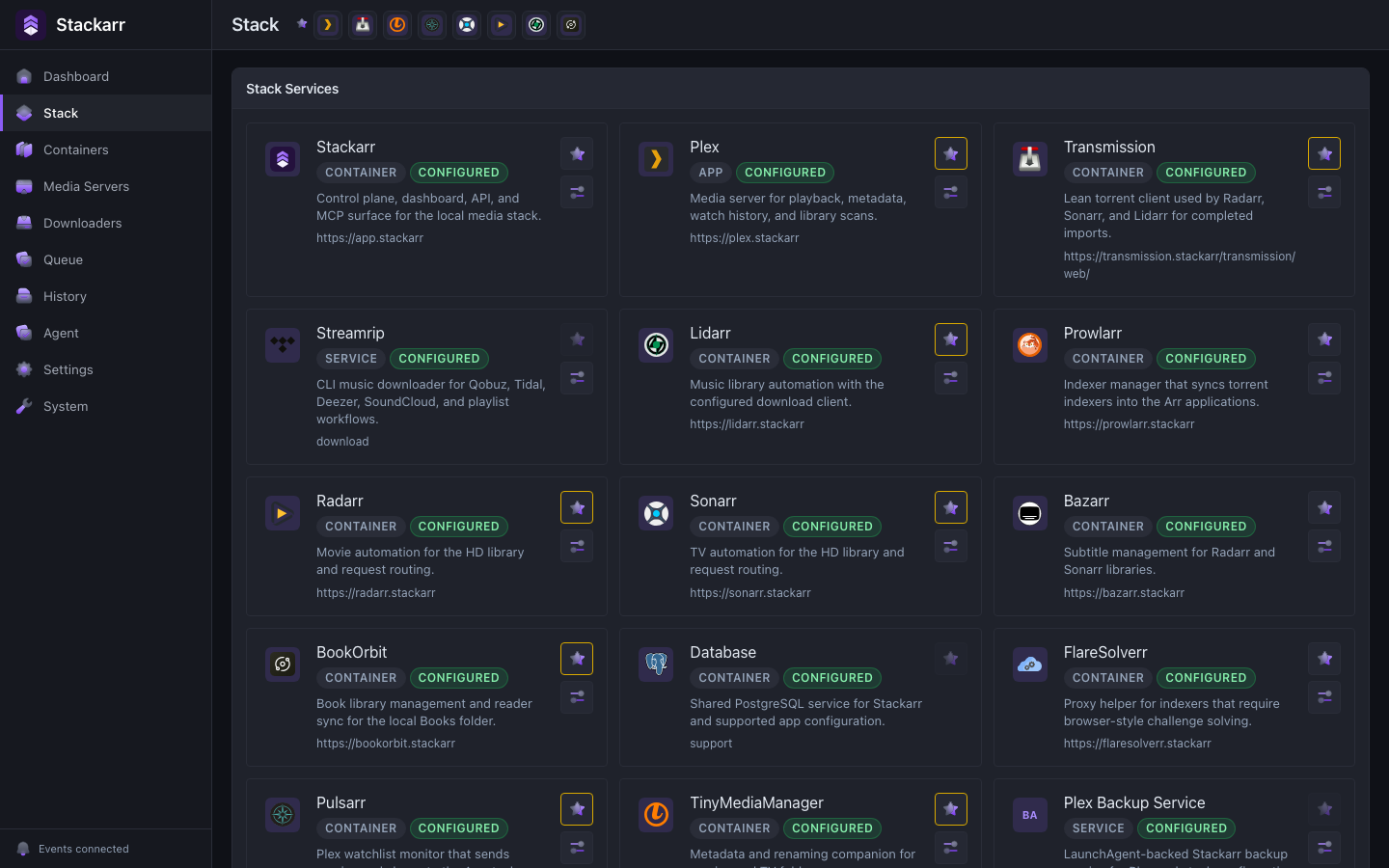
Open the apps you installed, pin the ones you use most, and keep each connection and behavior setting close to its app.
Agentic control for self-hosted apps
Stackarr gives trusted agents a typed, safety-controlled way to operate apps, containers, downloads, backups, and infrastructure. You keep the dashboard and the final say.
Start with approvals. Expand authority only when the workflow earns your trust.
Check the stack, fix what is safe, and ask before interrupting playback.







Bring your own agent
Every client reaches the same actions and safety policy. Stackarr exposes only the apps you installed, so an agent gets a focused toolset with clear consequences.
Add Stackarr as a local MCP server, including native MCP connections for Hermes and OpenClaw.
Open agent setup →Use observe, manage, admin, or unrestricted. The launch profile, not the agent, sets the boundary.
Compare MCP profiles →Ask for an install, a health check, a media request, a repair, or a full stack migration.
Connect Hermes or OpenClaw →A complete manual surface
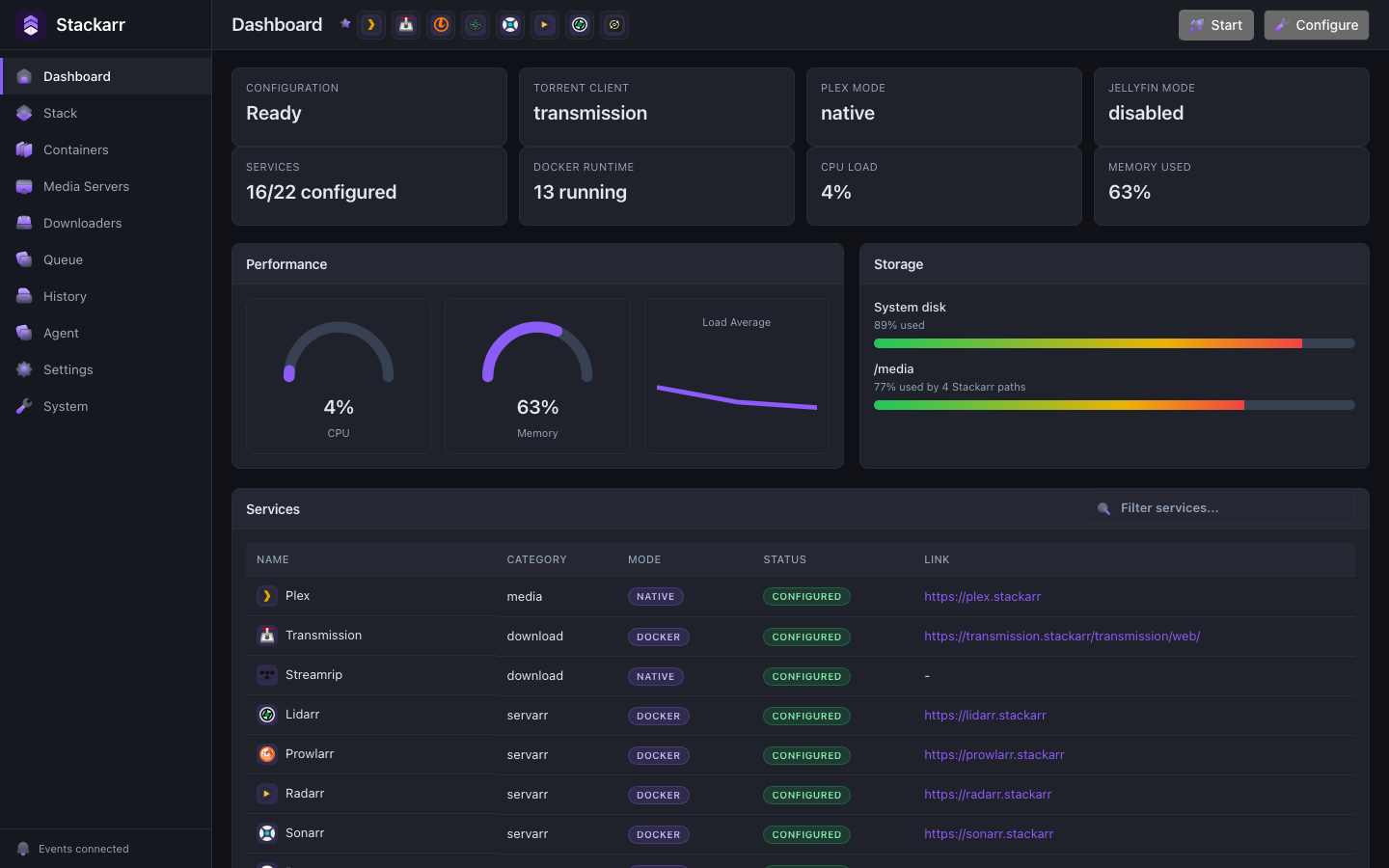
Setup, status, activity, recovery, and direct app access live in the same place. Human and agent actions share one source of truth.
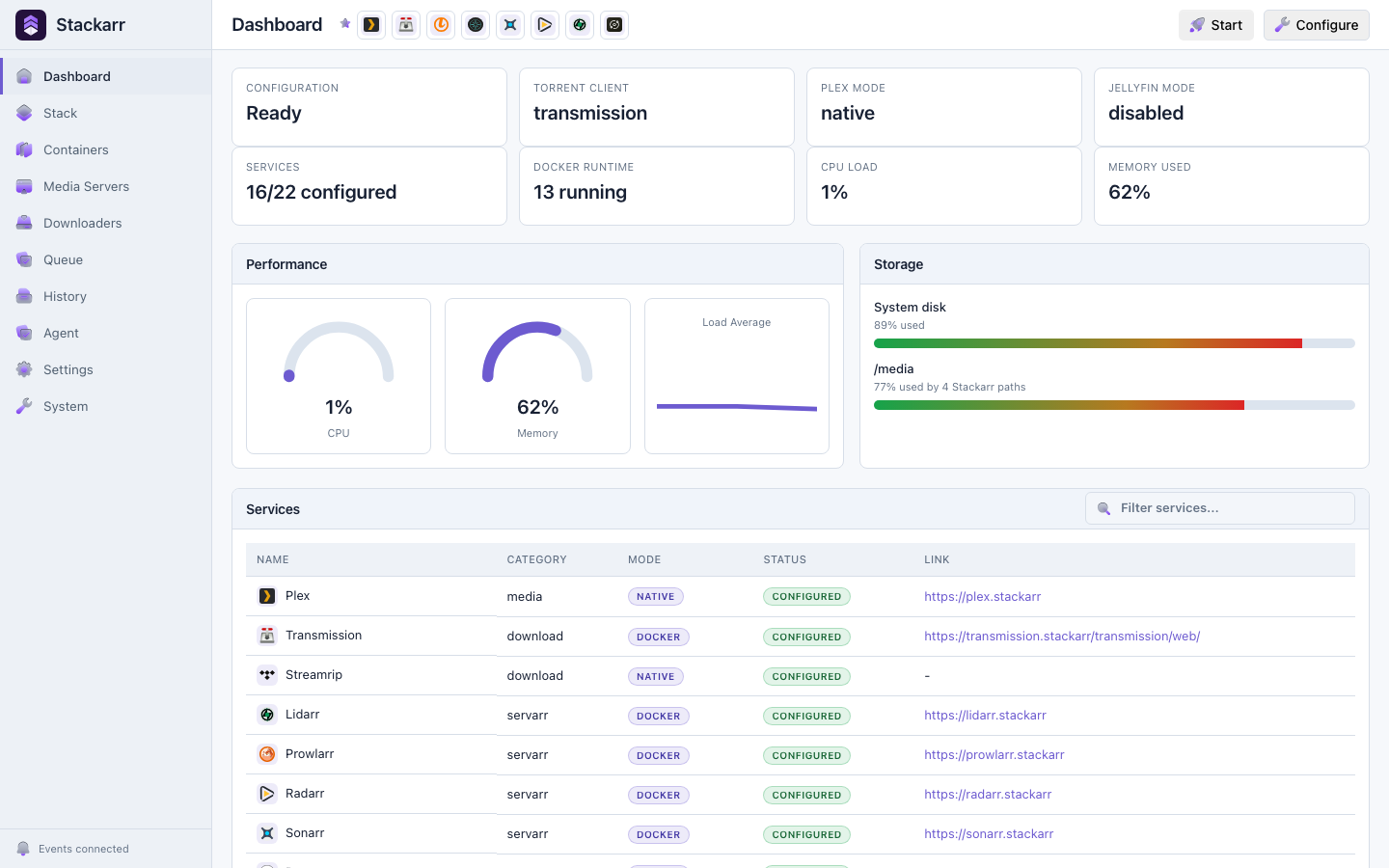
Open the apps you installed, pin the ones you use most, and keep each connection and behavior setting close to its app.
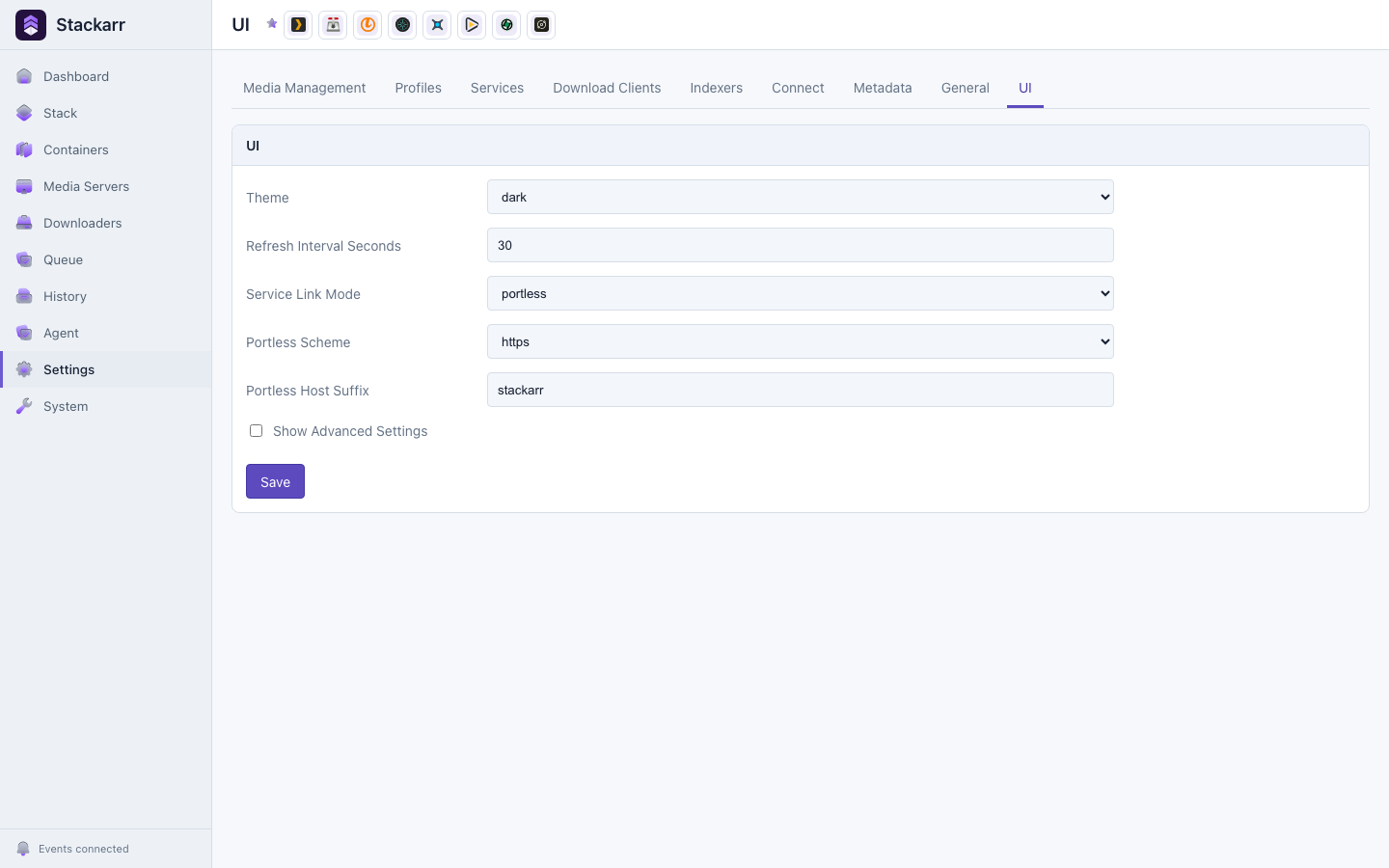
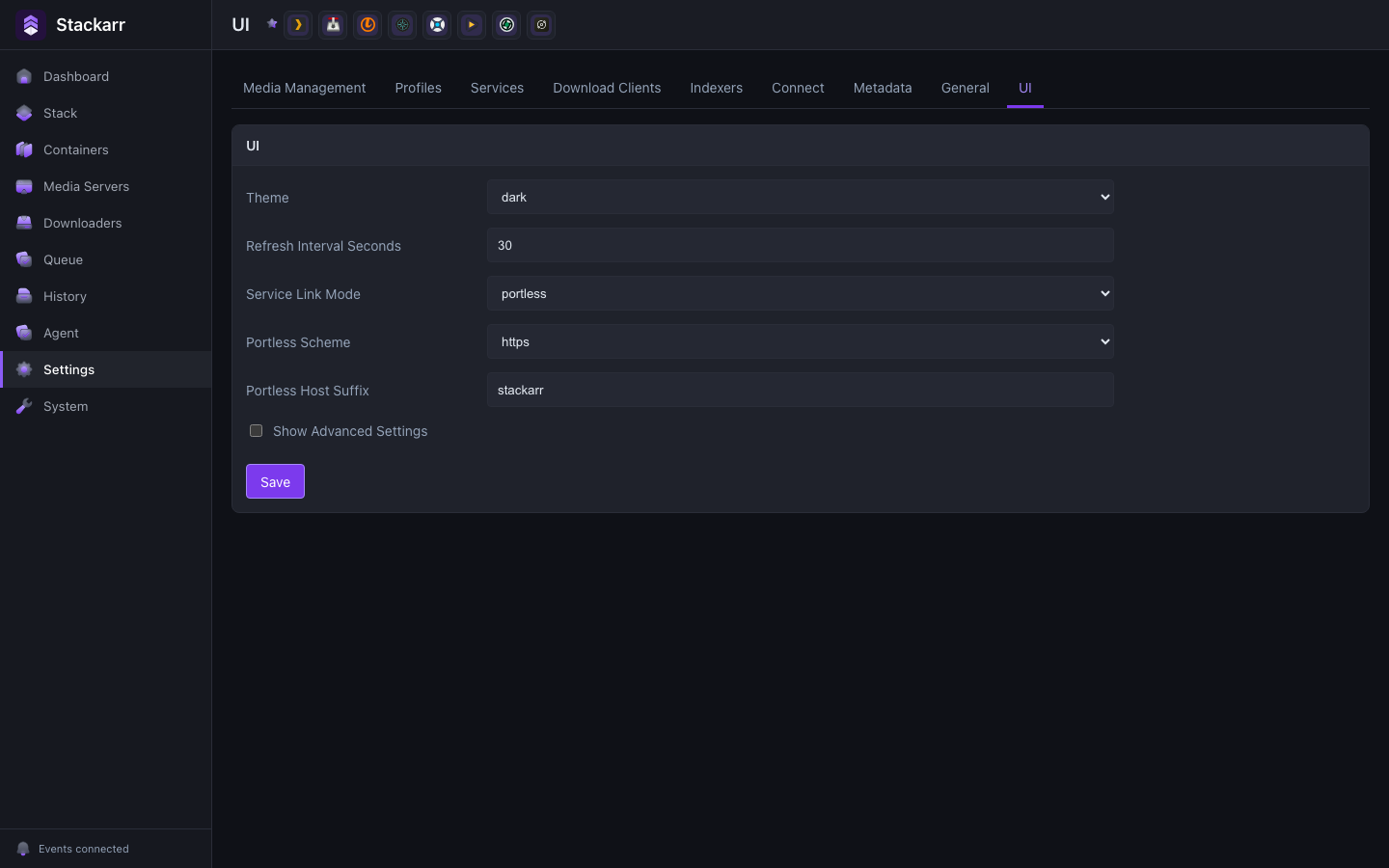
Tune the experience to your setup with theme, refresh, service-link, and onboarding preferences that stay with the app.
Private by default
Download the Compose file and run the control plane on any Docker-compatible host.
curl -fsSL https://stackarr.app/docker-compose.yml \
  -o docker-compose.yml
docker compose --profile stackarr up -d appStart with approval-backed management, use admin for setup, or deliberately grant full autonomy.
codex mcp add stackarr -- \
  docker exec -i -e STACKARR_MCP_PROFILE=manage \
  app /app/bin/stackarr mcp serve
See the MCP connection guides for Claude, Hermes, OpenClaw, and LM Studio.
Operate the same stack from chat, the dashboard, the API, or the CLI without splitting state between tools.
Agents use typed Stackarr and app APIs instead of improvising shell commands against your containers.
Start read-only, allow routine management, unlock setup, or deliberately grant unrestricted control.
Review plans, approvals, results, and failures in one activity trail whenever you want to take over.