security / Aug 19, 2026
Restrict Homelab SSH with a Least-Privilege Tailscale Policy
Limit homelab SSH by group, tagged host, and local account, require periodic re-authentication, and prove both allowed and denied paths.
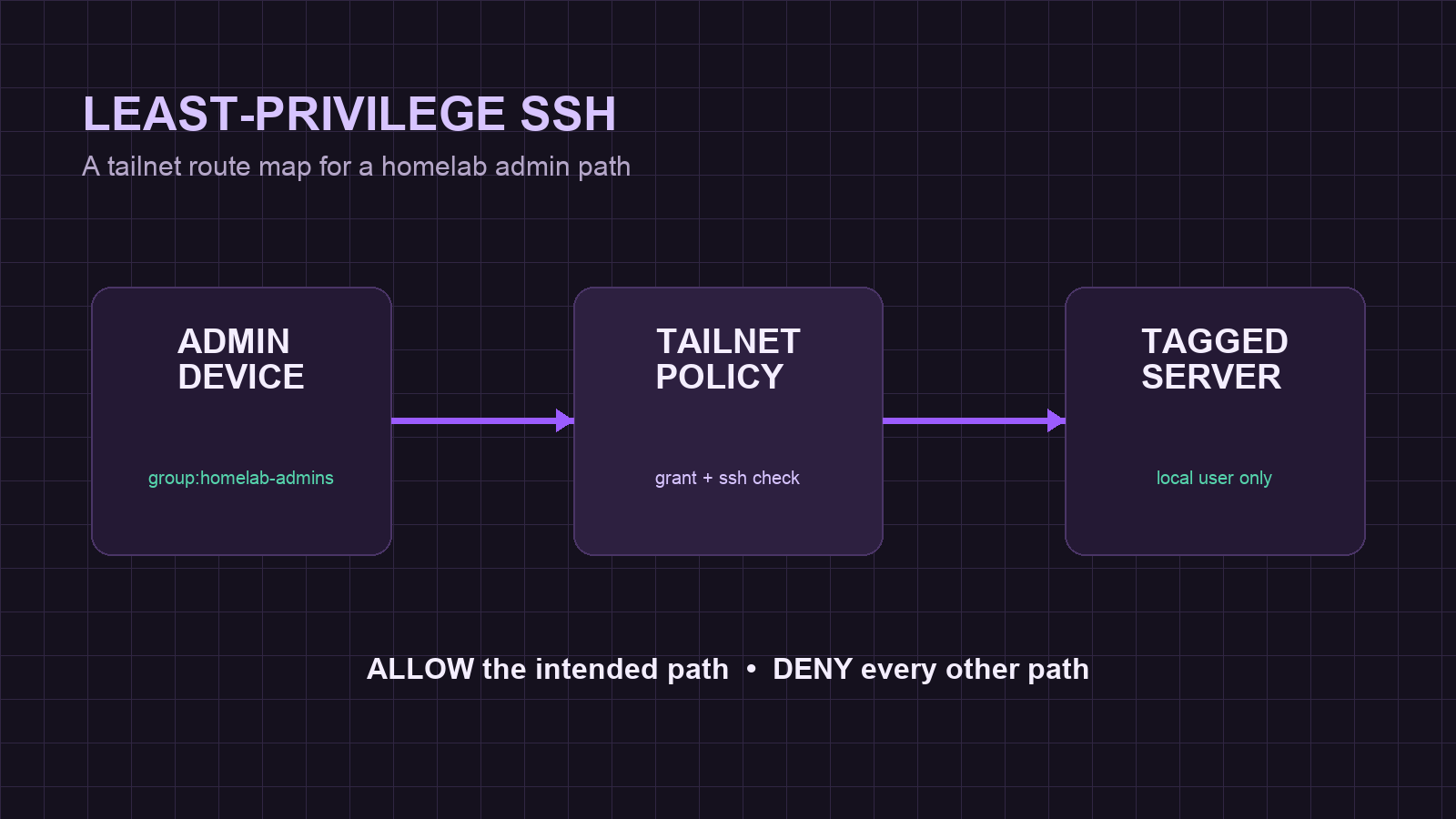
Why this SSH checkup matters
A tailnet makes it possible to reach a homelab home server without forwarding a router port, but private reachability is not the same as least privilege. Tailscale SSH adds an authorization layer for SSH traffic that arrives at a host’s Tailscale address. This self-hosted private-cloud access pattern should answer four questions: which people may connect, which tagged hosts they may reach, which local accounts they may use, and when a privileged session must be re-authenticated.
This guide narrows Tailscale SSH access for a Linux homelab host. It does not replace updates, host firewalls, local account hygiene, sshd configuration, or backups. Keep a console or local-LAN recovery route until the allow and deny tests both pass.
Prerequisites and compatibility limits
Before changing policy, confirm that the destination is a Linux host running Tailscale and that the person editing Access controls is a Tailscale Admin or Network admin. Identify one non-root local account that should receive SSH access, one existing administrator device, and one recovery route that does not depend on the policy being edited.
Tailscale SSH manages traffic sent to a destination’s Tailscale address. It does not close SSH that already arrives through a LAN address, a public address, or another route. Existing sessions aimed at the Tailscale address can be interrupted when SSH is enabled, so save work and open a separate local recovery session first. Readers with a macOS server should check the current Tailscale SSH platform notes before using this Linux-focused procedure.
Setup step 1: inventory the current access path
- On the destination host, record the Tailscale identity and confirm that the Tailscale daemon is healthy:
tailscale status
tailscale ip -4- In the Tailscale admin console, open Access controls and export or copy the current tailnet policy to a protected local file. Do not replace an existing policy with a short example from this guide.
- Decide on placeholder names that fit the current tailnet, such as
group:homelab-admins,tag:homelab-ssh, and the actual non-root local accountopsadmin. These are examples, not names to paste unchanged. - From the intended administrator device, confirm that the recovery route works before any policy edit. A console, IPMI-style remote console, or a local-LAN SSH session is sufficient when it does not depend on the Tailscale address.
Expected result: the existing policy is saved, the destination can be identified, and an independent recovery route is available. Do not continue if the only administrator session depends on the policy being changed.
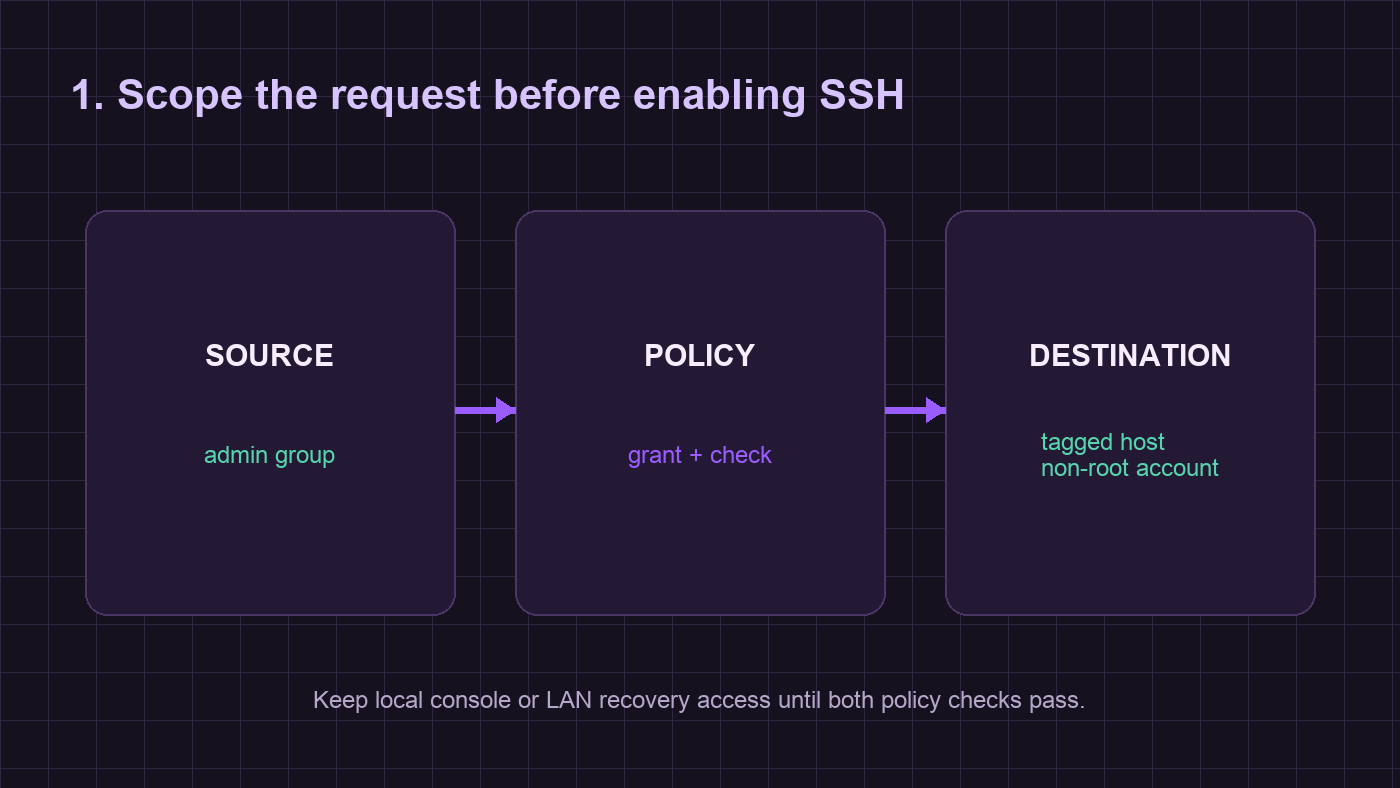
Step 2: limit network reachability first
In Access controls, edit the tailnet policy and merge a narrow grants entry with the existing configuration. Tailscale recommends grants for new access-control configurations. The shape below shows the intended relationship; retain any existing groups, tags, routes, and rules that the tailnet needs.
{
  "groups": {
    "group:homelab-admins": ["admin@example.com"]
  },
  "tagOwners": {
    "tag:homelab-ssh": ["group:homelab-admins"]
  },
  "grants": [
    {
      "src": ["group:homelab-admins"],
      "dst": ["tag:homelab-ssh"],
      "ip": ["tcp:22"]
    }
  ]
}
Apply tag:homelab-ssh only to the server or servers that need this pathway. The grant permits network access to TCP port 22 for the selected group; it does not authorize a local login by itself. Avoid a broad source such as every tailnet member when the job only requires an admin group.
Step 3: require an SSH policy and periodic re-authentication
Add an ssh rule that constrains the same source and tagged destination to the approved local account. Use check for administrative access that should require periodic identity confirmation. Tailscale documents a 12-hour default check period; choose a different period only after deciding how often the work warrants re-authentication.
{
  "ssh": [
    {
      "action": "check",
      "src": ["group:homelab-admins"],
      "dst": ["tag:homelab-ssh"],
      "users": ["opsadmin"],
      "checkPeriod": "12h"
    }
  ]
}
Do not authorize root just to avoid local account setup. A permitted connection needs both the network permission and the SSH permission, so keep the group, tag, and local account scopes aligned. Save the policy in Access controls and inspect any validation messages before leaving the editor.
Step 4: enable the server component deliberately
Once the policy is saved and the recovery route remains open, enable the server component on the Linux destination:
sudo tailscale set --sshRun the command once on each host that should accept Tailscale SSH. It enables handling for traffic arriving through the Tailscale address; it does not publish a service to the internet and it does not change the host firewall. If a system uses a separate sshd policy for local or LAN SSH, review that policy independently.
Expected result: the host is ready to evaluate Tailscale SSH traffic. An existing Tailscale-address SSH session may hang during this change; use the break-glass route instead of guessing whether the host is down.
Verification: prove the allowed and denied paths
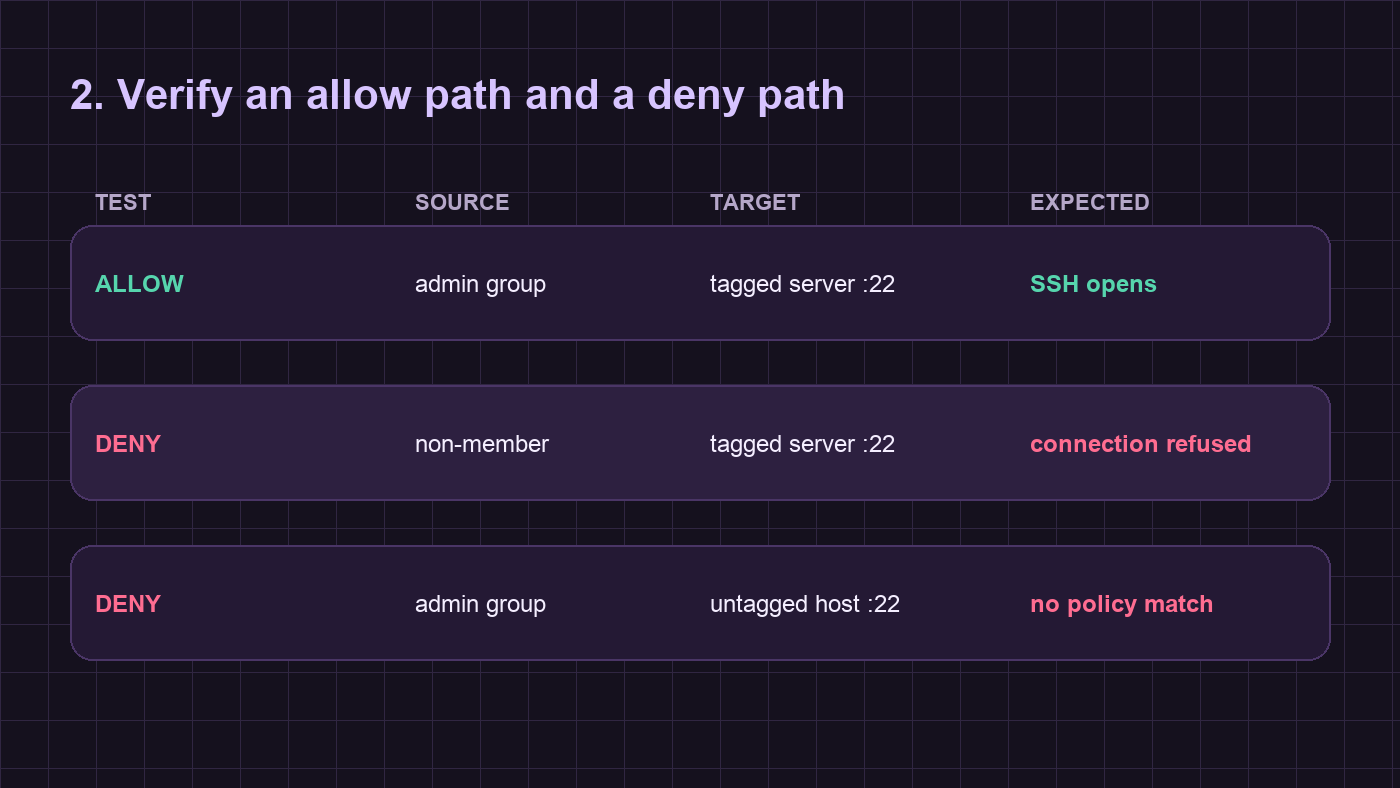
Use the policy editor’s Tests and SSH tests sections to model the intended allow and deny cases before relying on a live server. Include an expected allow from the administrator group to the tagged host on port 22, plus an expected deny for a non-member and an expected deny for an untagged destination. Policy tests validate policy outcomes; they do not prove local accounts, a firewall, or sshd settings.
From a device in the approved group, connect with the actual MagicDNS hostname and approved non-root account:
ssh opsadmin@homelab-hostAllowed verification: the connection reaches the intended host and prompts for the check action when the session needs re-authentication. Denied verification: try from a non-member device or to an untagged host; the request must fail rather than silently reaching SSH. Record which group, tag, host, and account were tested without placing credentials or auth keys in notes.
Troubleshooting and rollback
If the allowed path fails, return to the independent console or LAN route first. Check that the host has the intended tag, that the client belongs to the intended group, that the grants and ssh scopes match, and that the local account exists. Do not widen the policy to every tailnet member as a diagnostic shortcut.
If policy edits lock out the intended administrator, restore the saved policy through Access controls from a recovery session. If the server component itself must be removed from a host, use the current Tailscale SSH documentation to confirm the supported disable procedure for that release, then retest the LAN or console recovery path. Keep the saved policy copy until the approved connection succeeds and both denied checks fail as designed.
Tailscale also documents beta SSH session recording. Treat it as a separate privacy decision: terminal output can contain sensitive data, so establish retention and access controls before enabling a recorder. It is not required for a least-privilege SSH policy.
Source links
Verification ledger