tutorial / Aug 23, 2026
Schedule Restic Integrity Checks Without Reading Every Backup at Once
Build a repeatable Restic check cycle, restore into an isolated directory, and preview retention before any destructive maintenance.
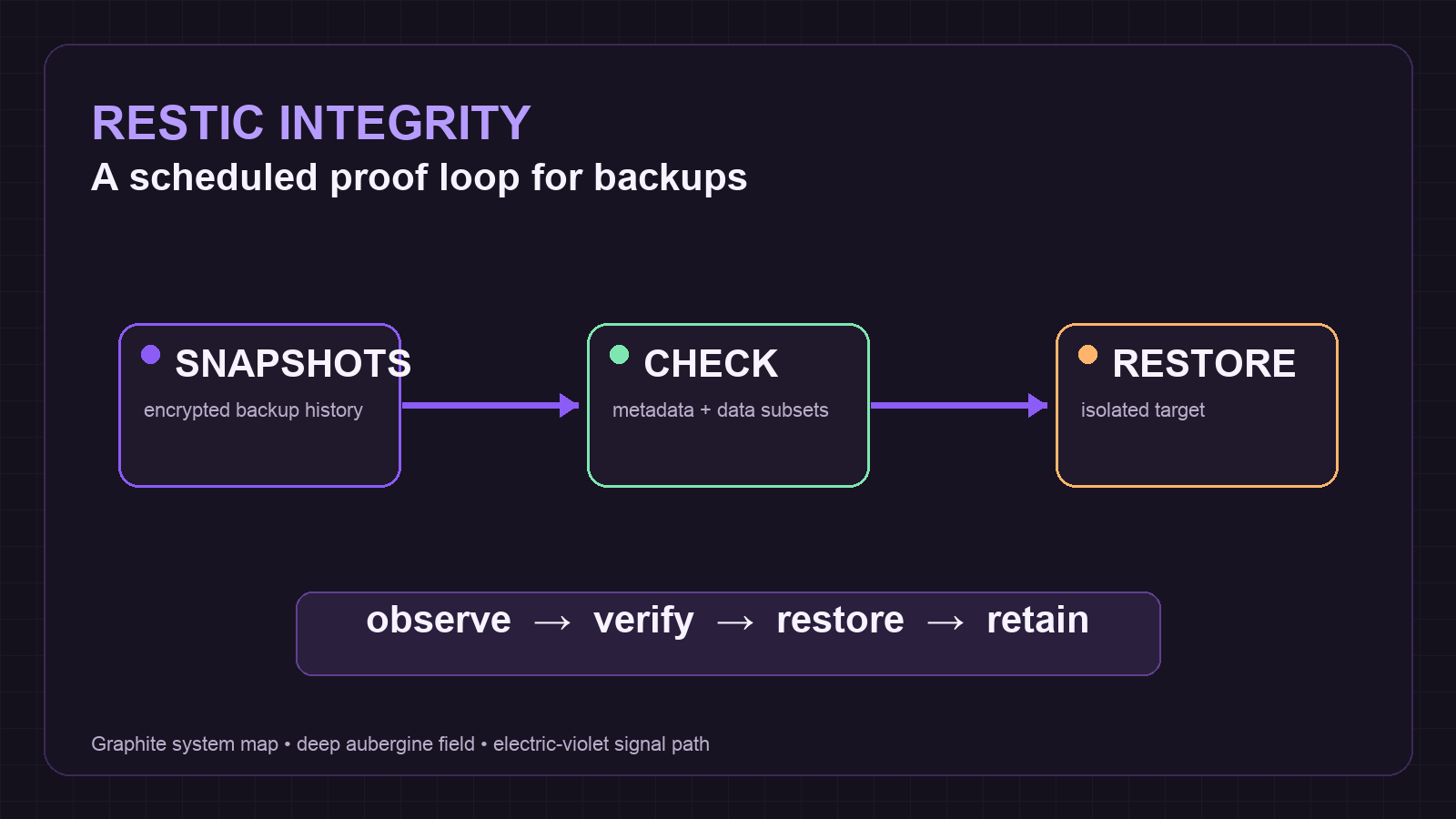
A completed backup is not integrity evidence
A backup task can finish cleanly while leaving several unanswered questions: can the repository be read, has stored data been sampled recently, and can one needed file be restored without touching a live service? Restic separates these concerns. check validates repository structure; data-reading options extend that check into pack contents; a restore drill proves that snapshots can be materialized at a safe target.
This tutorial builds a modest operating loop for a Linux homelab. It does not assume a particular backend: local disk, SFTP, S3-compatible storage, and other Restic backends all use the same command surface. Keep the repository password and its location outside shell history, and run any destructive retention work from a distinct administrative context.
Prerequisites and compatibility limits
Before starting, install a current Restic release on the machine that will perform the audit. Export the repository location and password through a protected service environment, password command, or secret file rather than pasting credentials into a terminal. The examples below use a local path only to make the commands readable; substitute the existing repository setting.
- A repository that already contains at least one snapshot; read access for routine snapshots, check, and restore testing; an empty, dedicated directory such as /srv/restore-audit; and a separate maintenance credential when append-only protection is used.
Do not schedule forget or prune with the same credentials used by normal backups when append-only protection is part of the design. Snapshot removal and pruning need read, write, and delete rights, so a maintenance credential changes the risk boundary.
Setup: map the repository before scheduling work
Start with observation. List snapshots and choose a small, non-sensitive path that is representative of the data that matters. This establishes the host name, paths, tags, and snapshot IDs that future verification should expect.
- Set the repository location for the current shell and list the available snapshots.
export RESTIC_REPOSITORY=/srv/restic-repo
restic snapshots- Record one snapshot ID and inspect its files without restoring them.
restic ls latest --path /srv/app-dataExpected result: snapshots returns at least one known host and ls shows the intended path. A denied result, such as a wrong password or a missing repository, is not a cue to create a new repository. Fix the secret or repository address first. Restic documents exit code 12 for a wrong password and 10 when the repository does not exist.
Add a rotating data-read check
A plain restic check validates repository structure but does not read every stored pack file. Full reads can be expensive for large remote repositories. Restic supports a deterministic n/t subset so a schedule can cover all groups over a fixed number of runs.
- Run the normal structural check once, then run a five-part data-read cycle.
restic check
restic check --read-data-subset=1/5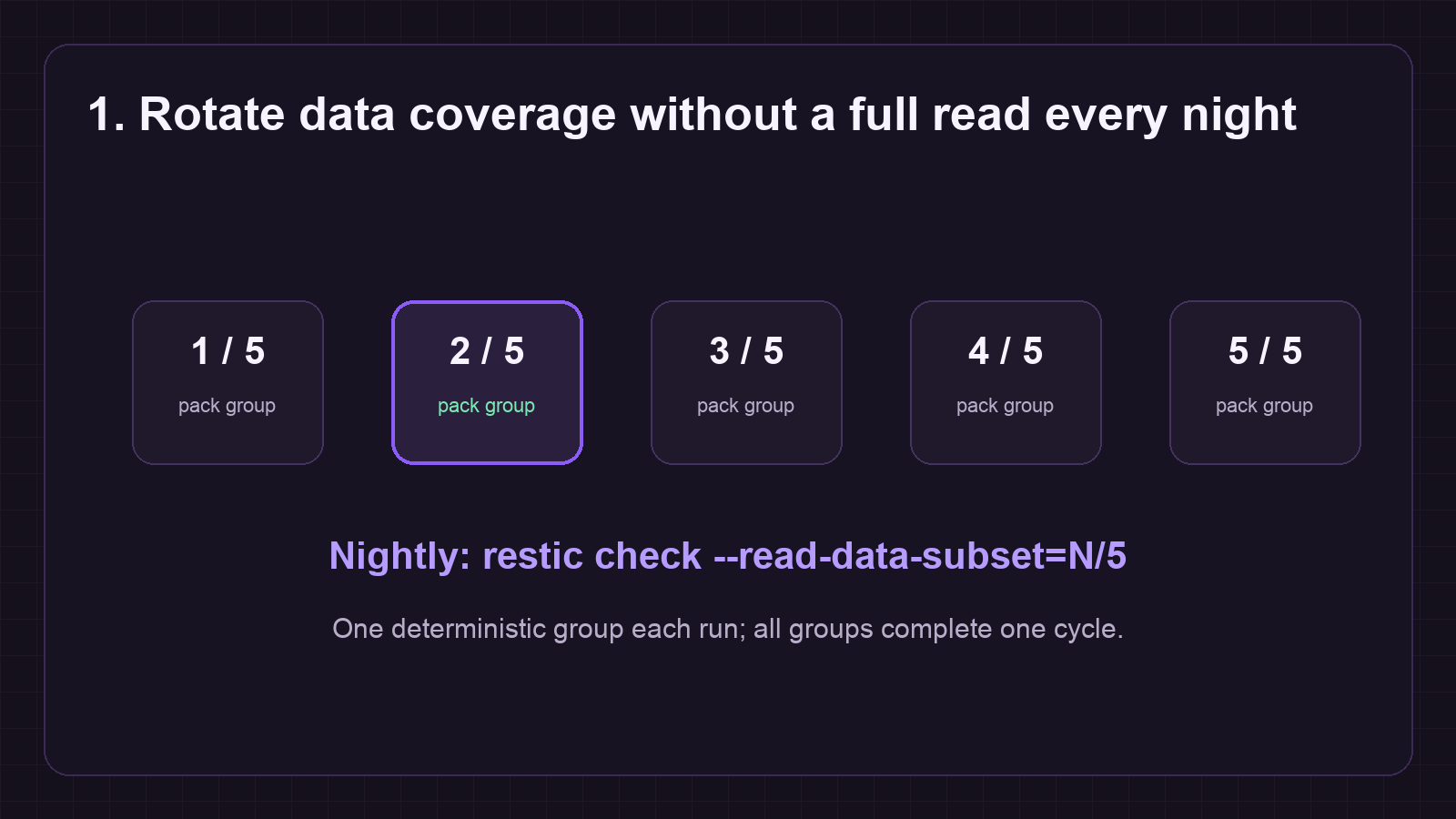
Use the next value each scheduled run: 2/5, then 3/5, through 5/5, then repeat at 1/5. The deterministic form is more auditable than a random percentage because a log can prove which group was read. For a small repository or a quarterly maintenance window, use restic check --read-data to read all data in one operation instead.
A successful command should complete with no reported errors. A failed data read is a stop signal: capture the output, pause retention maintenance, and investigate the storage backend or hardware before making the repository smaller.
Restore into an isolated audit target
Repository consistency is necessary but not the same as a usable recovery. A restore drill should extract a narrow sample into a directory that no application uses. Avoid restoring over a live Docker bind mount, database volume, or media library.
- Create an empty audit target, restore only the selected path, then examine the result.
sudo install -d -m 0750 /srv/restore-audit
restic restore latest --target /srv/restore-audit --path /srv/app-data
find /srv/restore-audit -maxdepth 3 -type f | head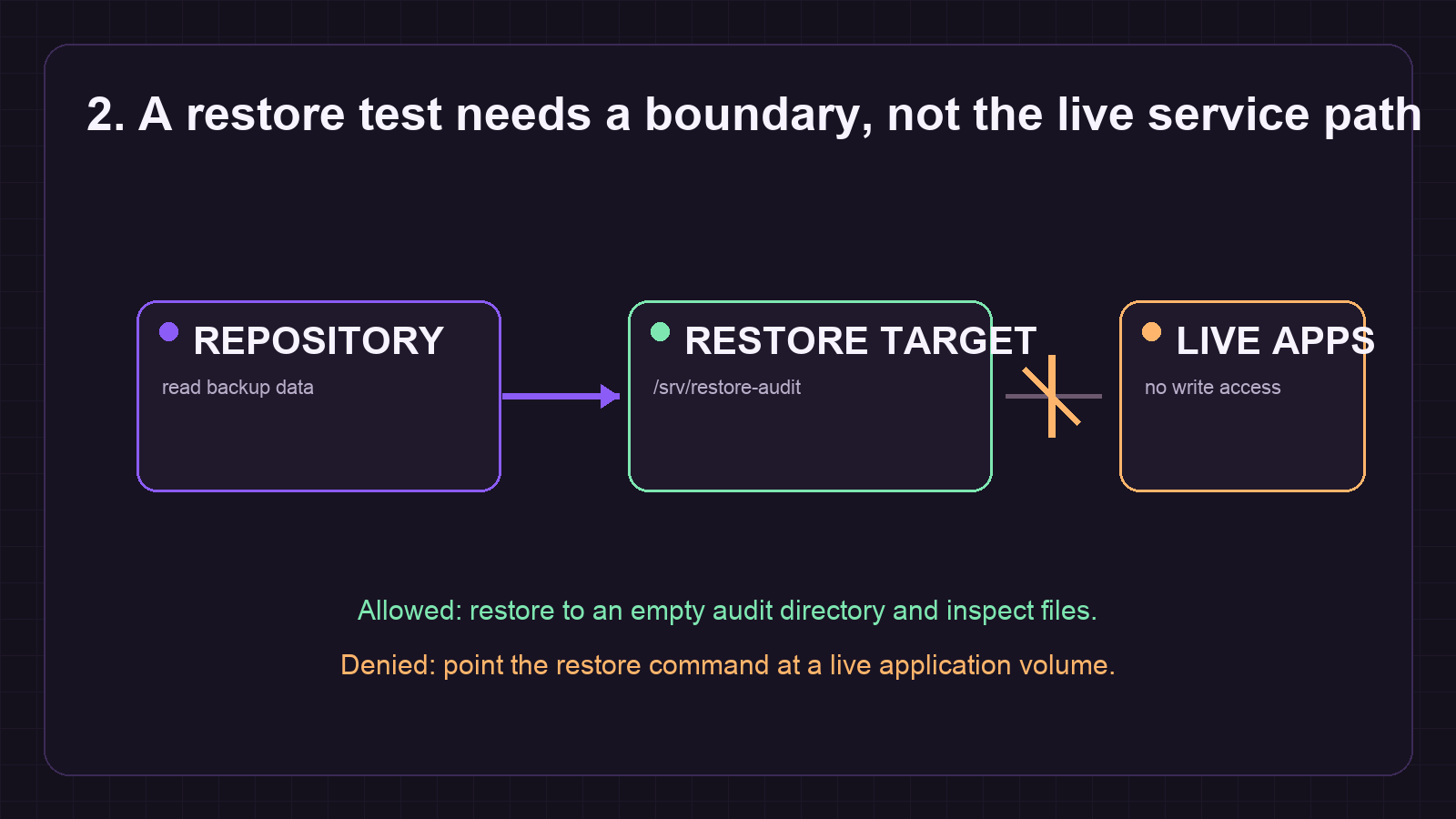
Allowed verification: a known file appears below /srv/restore-audit and its content can be read without errors. Denied verification: do not run the command with a live application path as --target; the target must remain an audit directory. If the selected snapshot does not contain the path, re-run restic snapshots and use the matching host, tag, or snapshot ID rather than assuming latest belongs to every data set.
Preview retention before pruning
Retention is a policy decision, not a cleanup shortcut. forget selects snapshots to remove; data storage is recovered by prune, or by forget --prune when removal actually occurs. A dry run is the review point for the host, path, tag, and keep rules.
- Preview a conservative policy before using a maintenance credential.
restic forget --keep-daily 7 --keep-weekly 4 --keep-monthly 12 --dry-run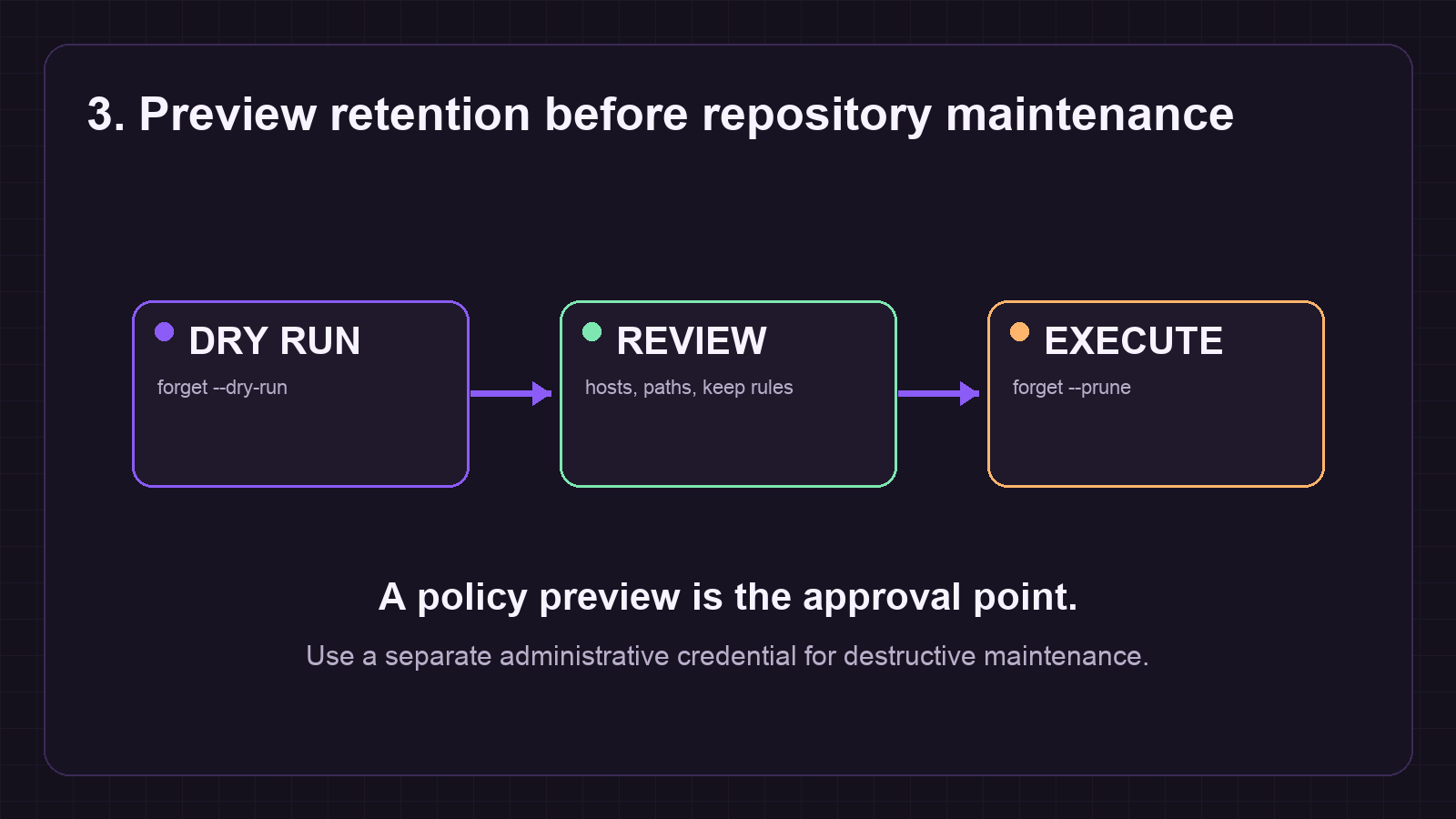
Review the output for every snapshot group. If the policy is correct and the maintenance window is approved, run the same policy with the maintenance credential and add --prune. Do not run prune simply because a storage quota is tight; pruning needs working space and can be interrupted safely, but an interrupted run can leave a lock that needs attention.
Verification: allowed and denied outcomes
- Allowed: restic check --read-data-subset=N/5 exits with code 0, the sample restore lands only in /srv/restore-audit, and the dry run lists only expected snapshot groups.
- Denied: a wrong password, unavailable backend, unknown exit code, missing expected restore file, or an unexpected snapshot group must mark the run failed. Do not treat an unfamiliar exit code as success.
- Escalate: if check reports damaged packs or index errors, preserve the output, pause forget and prune, and follow the targeted recovery guidance rather than improvising deletions.
Troubleshooting and rollback
If an audit is blocked by a lock, confirm that no backup or maintenance job is active before considering restic unlock. A wrong-password result requires secret correction, not repository initialization. A damaged repository requires a copy of the repository or at least its index and snapshots data before repair work; disable regular operations, especially forget and prune, while investigating.
For a scheduled-check rollback, disable the audit timer or remove the new job, leave existing backups untouched, and keep the audit directory for review until its contents are no longer needed. For a retention rollback, stop before the non-dry-run command. Once snapshots have been removed and pruned, recovery depends on another repository or storage-level versioning.
Sources
- Restic sources are linked in the citations section below.
Verification ledger