checklist / Aug 11, 2026
A Backup Isn't Real Until It Restores: A Practical Homelab Drill
Build a recoverable homelab plan for Docker volumes, databases, media, secrets, encryption keys, and isolated restore tests.
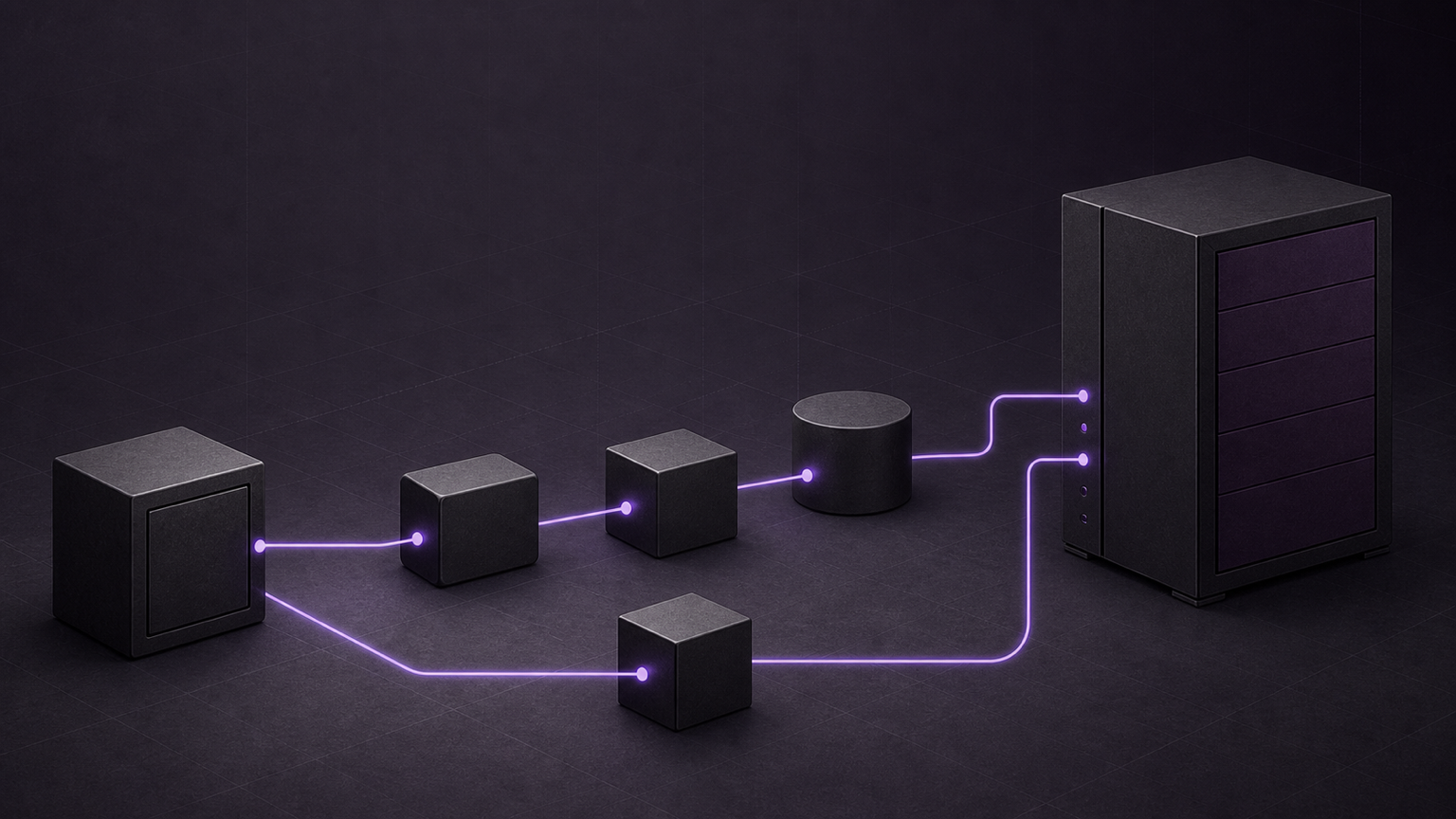
A green backup job proves that a task finished. It does not prove that a new host can unlock the archive, rebuild the databases, reconnect the media, and start the applications. A useful homelab backup plan begins with the restore path.
Start with the recovery dependency graph
Treat each self-hosted service as a set of related recovery units. The archive must preserve enough context to reconnect those units in the correct order.
Create one manifest for every important service:
- Deployment files, container image policy, mounts, networks, and device requirements.
- Application configuration and durable Docker volume data.
- The database engine, supported dump method, roles, ownership, and restore order.
- Media, documents, photos, artwork, sidecars, and other user files.
- API tokens, tunnel credentials, signing keys, and database passwords.
- The separate password or key that unlocks encrypted backups.
- Host-specific paths, certificates, hardware devices, and DNS names.
- Health checks and application-level tests for the restored service.
Classify each item as restore-critical, large and irreplaceable, or rebuildable. This keeps caches and logs from consuming the same backup budget as databases, family photos, and unique configuration.
Match the capture method to the state
A container volume is a storage location, not a consistency guarantee. Use the storage method that matches the data inside it.
Archive ordinary volume data
Docker documents a helper-container method that mounts a volume and moves its files through `tar`. This is useful for configuration trees, custom artwork, and other ordinary filesystem state. It is also useful for a controlled restore test.
Do not generalize that example to a live database. A byte-for-byte archive can capture a database during a write unless the application is quiet or the database supplies a safe snapshot method.
Create database-aware PostgreSQL dumps
PostgreSQL documents `pg_dump` as an internally consistent logical export of one database. Custom-format dumps provide flexible restore control through `pg_restore`. Cluster-wide roles and tablespace definitions need separate coverage, such as `pg_dumpall --globals-only`.
Several independent database dumps do not form one synchronized cluster snapshot. Record that limit when services share transactions or strict cross-database timing. During a drill, restore into an empty compatible cluster, stop on errors, confirm roles and ownership, and query representative records.
Snapshot live SQLite state with SQLite tools
A plain copy of a live SQLite file can miss coordinated journal state. The SQLite Online Backup API creates a destination snapshot while the source remains available. Many applications expose this through a built-in backup command or the SQLite command-line tool. Prefer the application's documented path.
Open the restored database and run appropriate checks. `PRAGMA quick_check` is useful for a fast pass, but SQLite states that it skips some constraint and index-content checks. Application queries still matter.
Protect media and the database that describes it
Media files and metadata often have different capture methods, sizes, and retention policies. Both can remain necessary. Immich's backup guidance requires uploaded photos and videos as well as the database. Its database backup does not contain the actual media.
Keep the media snapshot and its matching database state close enough for the application's restore contract. Verify paths, ownership, and a bounded sample of files. Never assume that scanning bare media can rebuild users, albums, sharing state, watch history, or every metadata field.
Keep encryption from becoming a recovery trap
Backups can contain private media, credentials, and complete application state. CISA recommends offline, encrypted backups and regular recovery testing. For a homelab, offline means that routine application or administrator access cannot silently rewrite every copy.
Encryption adds a new dependency. Restic warns that a lost repository password makes the stored data inaccessible. Keep separately protected unlock material outside the primary host and outside the encrypted archive. The drill must test retrieval without printing or logging the secret.
Check the repository before the emergency
Storage checks and restore drills answer different questions. Restic's default `check` validates repository structure. Add `--read-data` to read all pack files, or rotate `--read-data-subset` checks when one full read is too expensive.
Those checks can find repository damage. They do not prove that an application will start with the restored files. Restic supports restoration to a separate target, which creates a safer foundation for an isolated drill than an in-place overwrite.
Run an isolated restore drill
Choose a specific failure scenario and a specific backup. Do not select the latest snapshot by habit when the scenario involves delayed corruption or a bad update.
- Record the expected recovery cutoff and the selected archive or snapshot identifier.
- Retrieve the runbook and unlock material as if the primary host were unavailable.
- Prepare a separate host, virtual machine, or restricted directory and network.
- Disable public ingress, notifications, download jobs, and automation that could affect production.
- Restore deployment settings, secrets, databases, configuration, and media in the documented order.
- Start compatible service versions and follow supported migrations.
- Test storage, database integrity, authentication, health, representative data, and one harmless read workflow.
- Record elapsed time, missing prerequisites, manual fixes, and the achieved recovery point.
A useful drill scorecard has three levels:
- Repository: the snapshot lists, structural checks pass, and selected data blocks are readable.
- Database and filesystem: restores stop on errors, ownership is correct, and sample files open.
- Application: login works, expected settings and libraries appear, and a representative item opens or plays.
Call the drill successful only for the tested versions, date, scenario, and assertions. Repeat it after major changes to storage, databases, encryption keys, paths, or restore procedures.
Where Stackarr fits
Stackarr's backup workflow applies this model to the state it manages. It stages portable settings, service configuration, database dumps, and selected native media-server state. A required database failure stops the backup instead of producing an incomplete archive.
New archives use authenticated encryption by default, and the recovery key stays outside each archive. Media libraries, downloads, caches, logs, and that key still need separate protection. The guarded restore flow reviews which databases and native server state may be replaced. An isolated application-level drill remains the final proof.
Frequently asked questions
Is a Docker volume archive enough for a database-backed service?
Not by itself. Archive ordinary files, but use the database's supported snapshot or dump method for live database state. Quiesce the application when its documentation requires it.
How often should a homelab restore drill run?
No single interval fits every system. Choose a cadence from the rate of change, acceptable data loss, recovery-time target, storage cost, and the impact of failure. Add a drill after major topology or key-management changes.
Does a successful integrity check prove recovery?
No. It can prove that defined repository checks passed. Recovery also requires the correct key, versions, roles, paths, permissions, media, startup order, and application-level validation.
Verification ledger
Sources and further reading
- VolumesDocker · Primary source
- PostgreSQL 18: SQL DumpPostgreSQL · Primary source
- SQLite Backup APISQLite · Primary source
- PRAGMA Statements: quick_checkSQLite · Primary source
- Backup and RestoreImmich · Primary source
- Working with repositories: Checking integrity and consistencyrestic · Primary source
- Restoring from backuprestic · Primary source
- Preparing a new repositoryrestic · Primary source
- #StopRansomware GuideCISA · Primary source