
Stackarr app
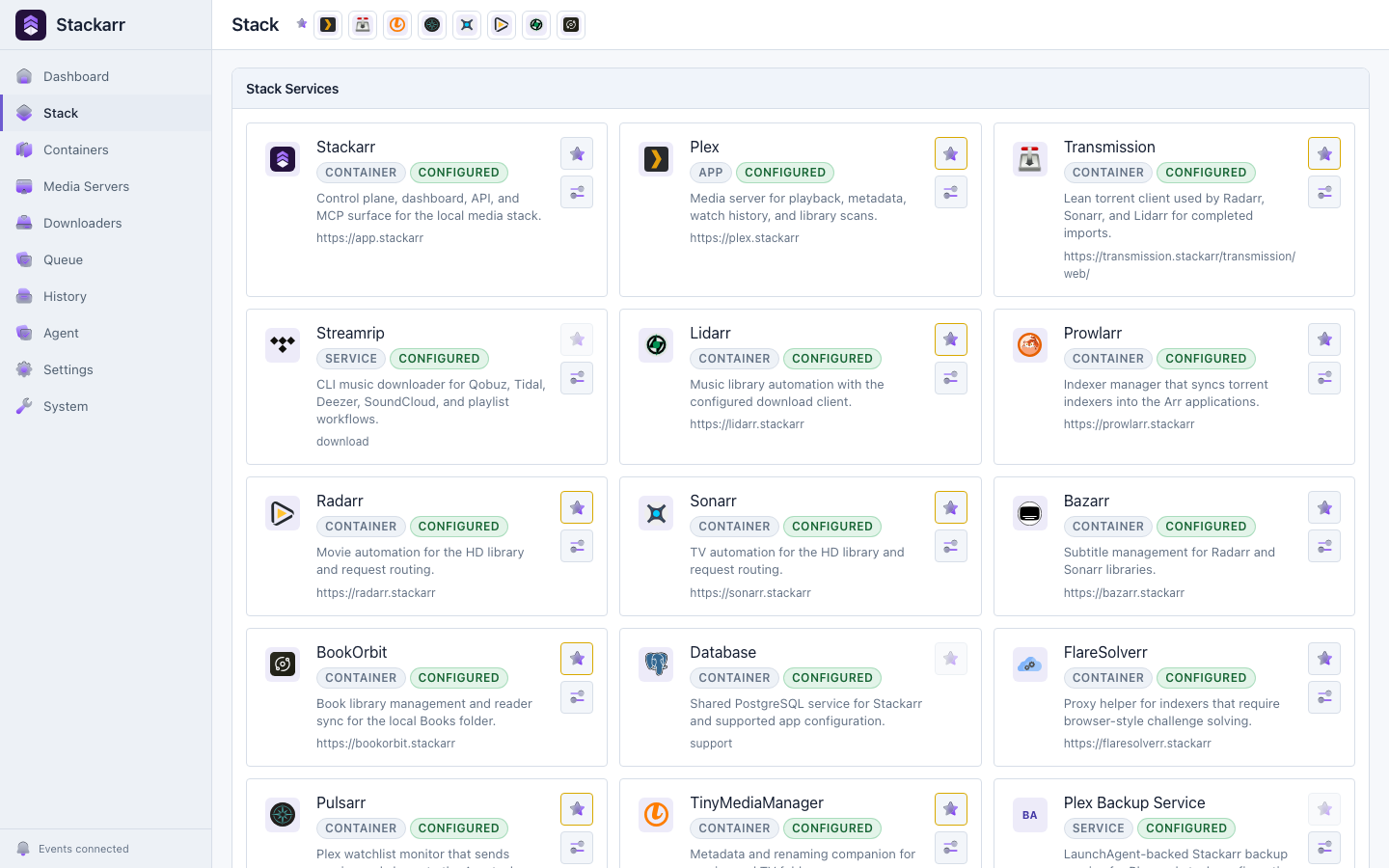
The Stackarr app is the optional visual control room for the same homelab capabilities available to connected chat agents. Use chat as your primary interface, use the app manually, or move between them: both share the same native operations, safety rules, and Activity trail.
Product areas
- Home shows what needs attention, active work, recent actions, favorite apps, storage, and native performance history. Plex installs use Plex's own CPU and memory samples; other containers retain Docker live metrics in Infrastructure.
- Apps opens enabled services and runs focused native operations such as scans, metadata work, syncs, and queue controls. Each app has one full settings panel for its connection, managed-container options, credentials, local link, and optional Cloudflare route.
- Activity combines download work, command history, agent and routine actions, and a bounded redacted server-log viewer.
- Infrastructure shows the stack as containers, storage, images, volumes, and networks. Live metrics use Docker's one-shot Engine API instead of the slower CLI sampling path, build short local trend graphs from the normal refresh cadence, and pause in hidden browser tabs.
- Automation & Access contains routines, chat connections, authority profiles, agent history, and Cloudflare tunnel controls.
- Settings contains only homelab-wide storage, profiles, access, account, and display preferences. App-owned configuration stays with its app.
On macOS virtualization, Stackarr measures each configured /Volumes/... drive with a cached, read-only Docker mount probe. This avoids reporting the container's internal disk for an external library while keeping media mounts read-only.
The layout works as a desktop sidebar and a mobile navigation surface. Keyboard focus, reduced motion, minimum touch targets, and skip navigation are built in.
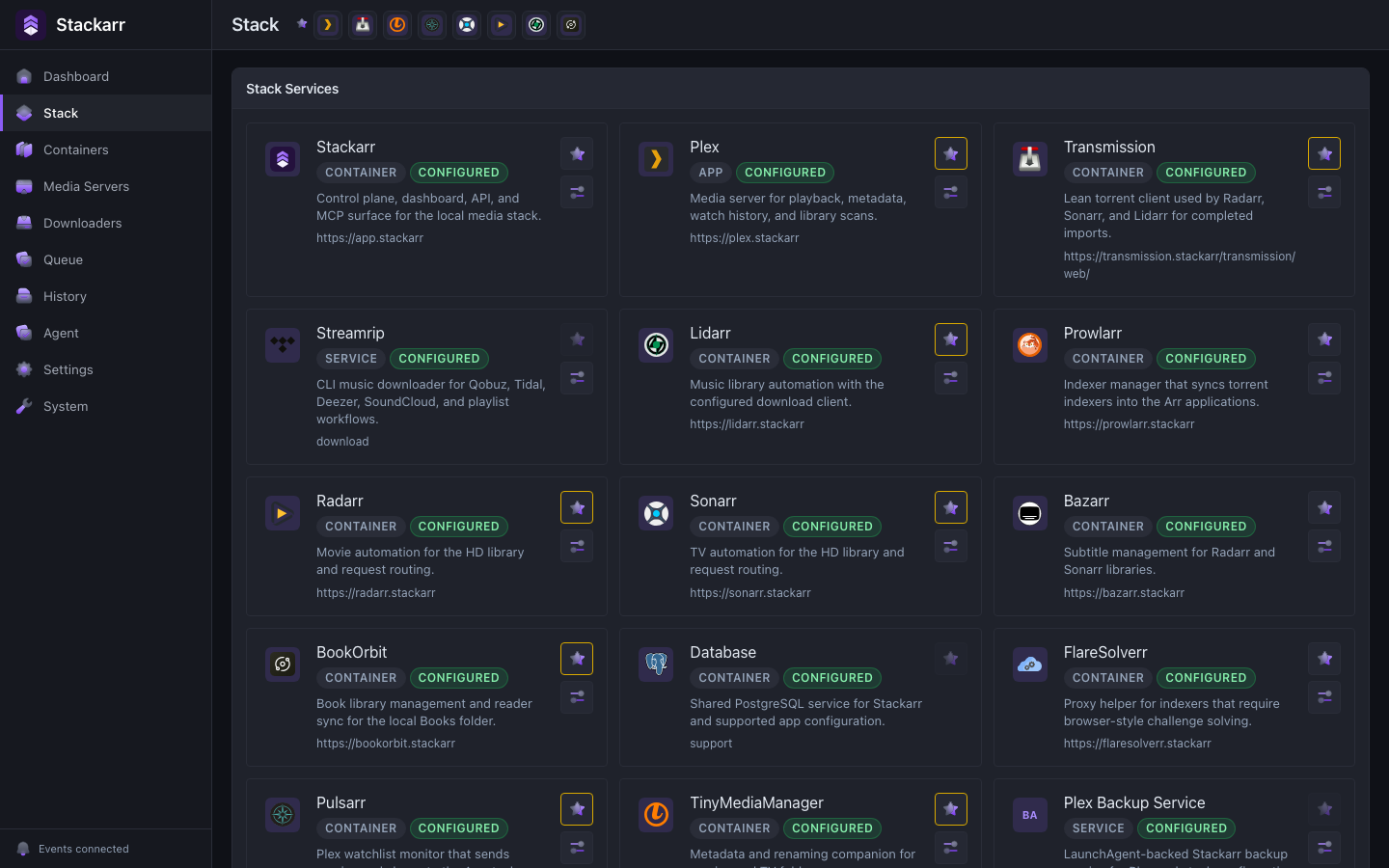
The dashboard uses HeroUI v3 with Tailwind CSS v4. Shared semantic tokens define light, dark, and system themes; product surfaces use Tailwind utilities and HeroUI composition, while CSS modules are reserved for isolated legacy or highly specialized components during the alpha migration.
Safety in the app
Read operations run directly. Reversible management actions show their scope. File-changing or destructive native app actions require a reason and the app name before they run. Container and tunnel operations retain their existing confirmations. Starting an operation is recorded in Activity, and a queued action is never presented as completed work.