
UI Settings
UI settings control presentation:
- Theme.
- Refresh interval.
- Service link mode.
- Direct service URLs.
- Portless URL scheme.
- Portless host suffix.
- Advanced setting visibility.
Themes
Choose light, dark, or system. Stackarr applies the preference across the dashboard, stack cards, settings forms, and service links so screenshots and docs should always use the matching theme asset.
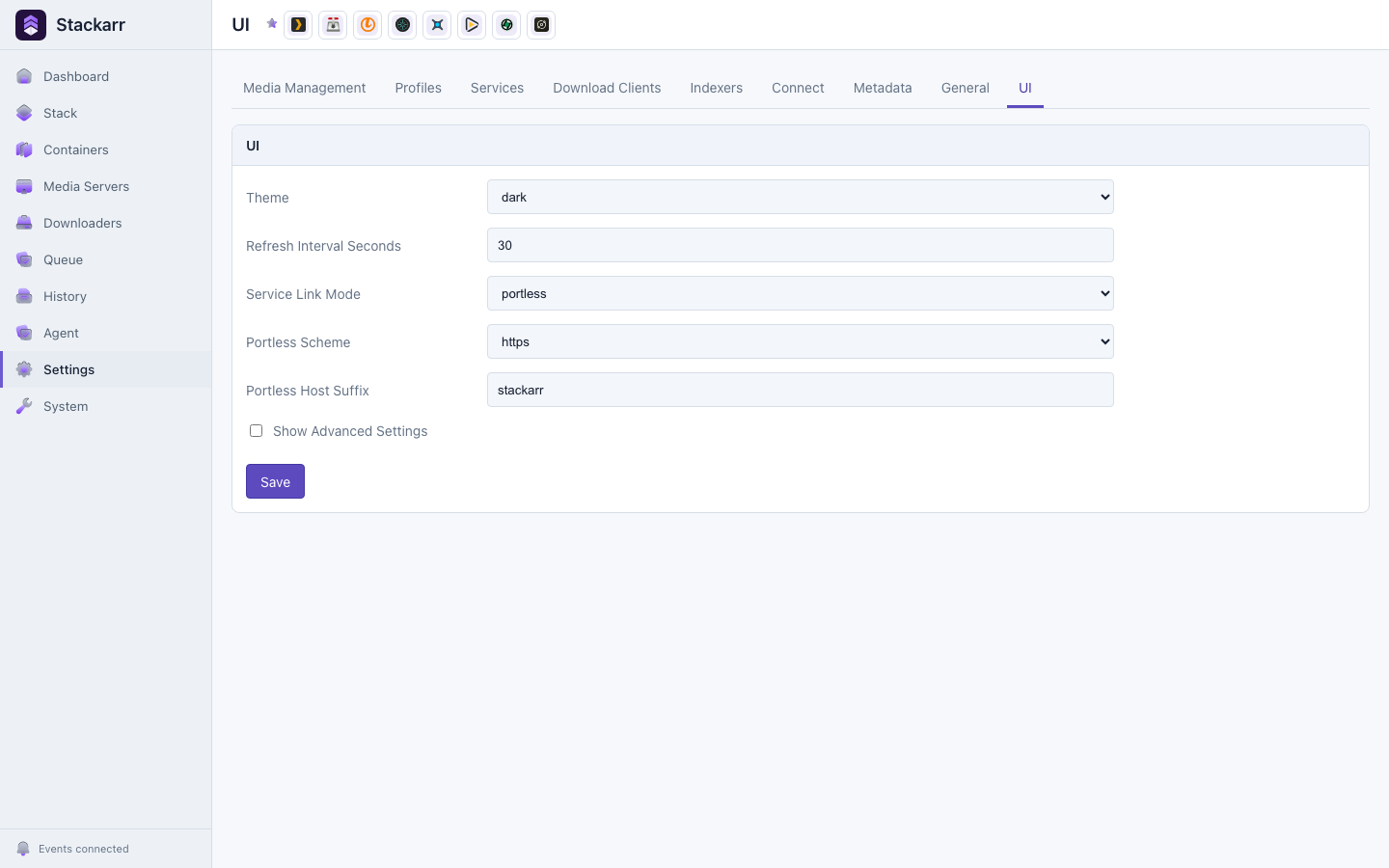 LightDark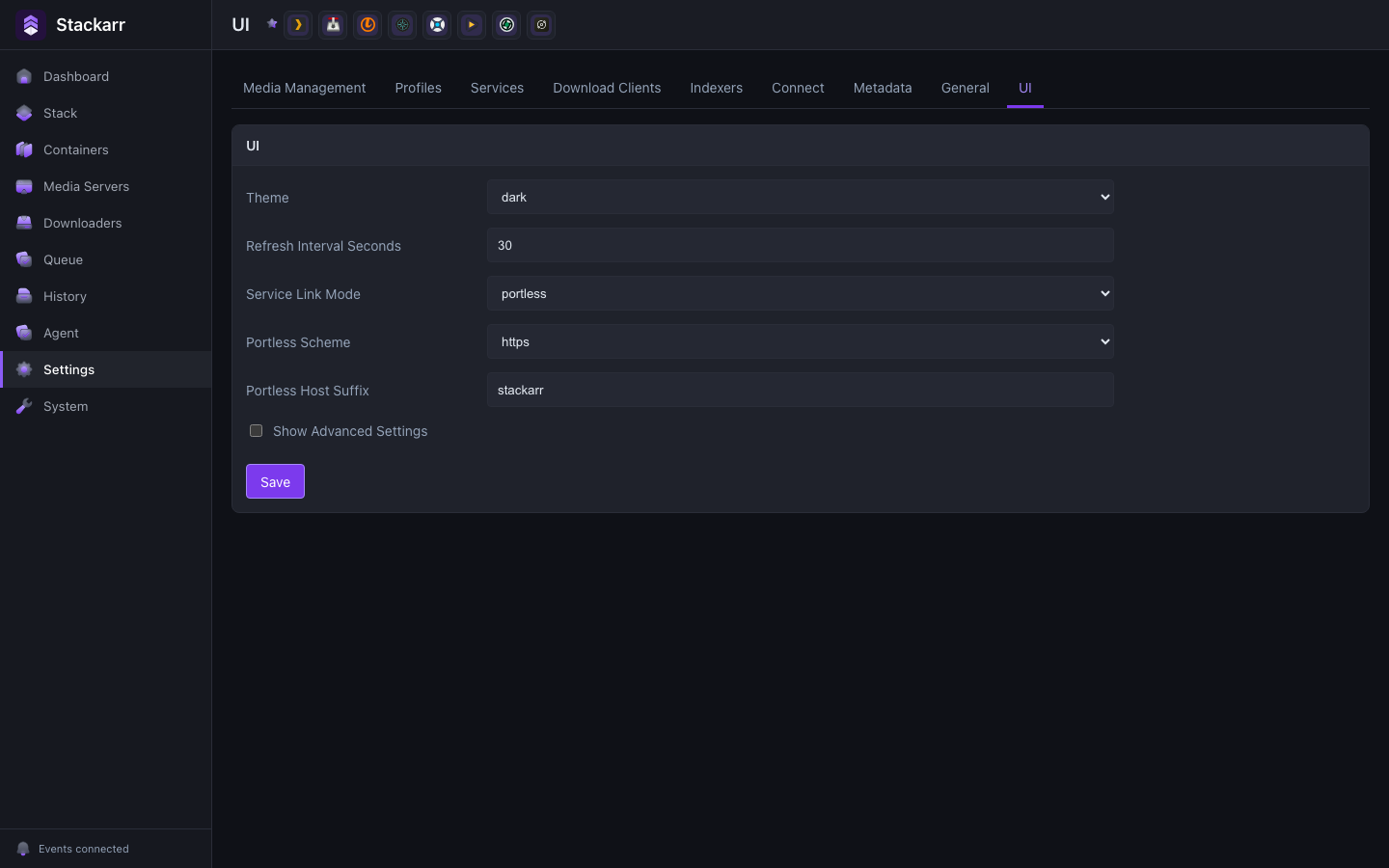
Service Links
Set service links to portless to use local names such as https://app.stack and https://plex.stack. Dashboard links use direct aliases by default, while Stackarr routes such as https://app.stack/immich continue to redirect to the matching direct service URL.
Portless requires a helper installed directly on the Docker host because clean .stack names need host access for port 443, certificate trust, and /etc/hosts. The Stackarr container cannot approve those operating-system changes. Container-only installations can keep the default localhost links or use an existing reverse proxy instead.
The dashboard's System → Events → Portless panel provides neutral, copyable host commands instead of showing an action warning or starting a task that cannot succeed in Docker. Run stackarr portless install once on the host, and use stackarr portless apply after service or alias changes. A one-shot macOS LaunchAgent can show as not running after it exits successfully; use stackarr portless status to verify the aliases themselves.
These settings live in the configured Stackarr runtime settings store. In Postgres mode, Postgres is the source of truth.